




Battery conservation mode on Lenovo thinkbook g6+ with trisuql 12

Hello.
I currently have Linux Mint installed on my Lenovo Thinkbook g6+ AHP laptop, as Trisuel 11 didn't support the Ryzen 7 8845H. As far as I can see, Trisuel 12 now supports my processor, and I plan to switch back to Trisuel, but I have one concern:
Currently, battery management is handled by the ideapad_acpi driver, which, among other things, can put the battery into conservation mode when the battery charge is limited to 80%.
Does Trisuel 12 have a mechanism that allows me to set an upper battery charge limit? Or does it have a preset level that I can simply enable or disable as needed?
Oh, this English translator...

I had to verify what is conservation mode. Apparently it is a feature that prevents charging when the battery is at a certain charge. Instead, I thought it would mean that your screen would dim or something at that charge, which is wrong.
I do not see conservation mode on my Ideapad, but I do see kernel modules for Linux-Libre for ideapad_laptop, but not ideapad_acpi. I see THINKPAD_ACPI is set though in the config. I used the command "modprobe thinkpad_acpi" as far as I can tell it didn't give me any other options on Triskel 12.
I tried using a command to set a file conservation_mode to 1 with the command: sudo echo 1 > /sys/bus/platform/drivers/ideapad_acpi/VPC2004:00/conservation_mode and I get permission denied.
So using this other command had an effect:
echo 1 | sudo tee /sys/bus/platform/drivers/ideapad_acpi/VPC2004:00/conservation_mode
I can now set my charging to stop at a certain point or start charging to.
Here is a picture of Triskel Advanced Power Settings now.

Cool screenshot...
How did you open the window shown in the screenshot? I installed Tresquel 12 on a virtual machine to test it, but it clearly doesn't have the window I see in your screenshot... Is that some kind of separately installed program?
The screenshot shows all the power settings available on the test virtual machine...
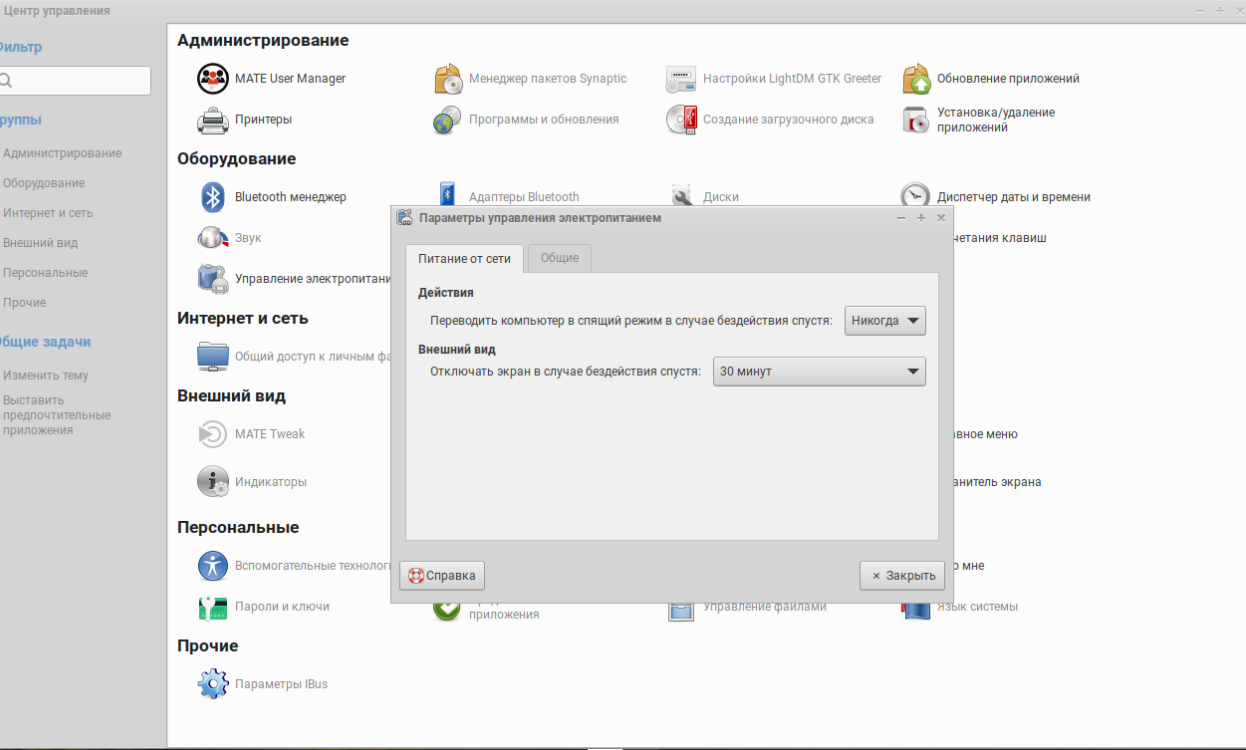
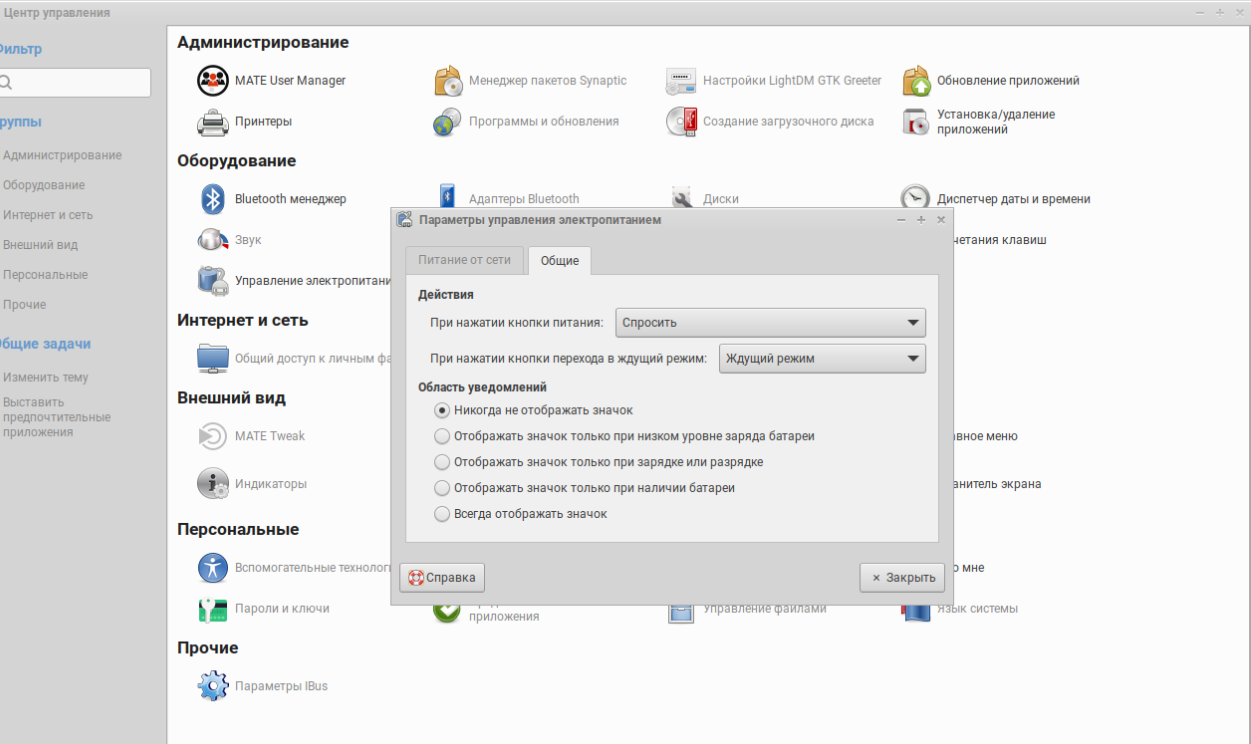
I use the KDE version of Trisquel called Triskel. I do not have currently a version of Trisquel 12 with Mate desktop.
I am sure someone will help guide you.